 AnnexHub
Event registration software for agencies: what carries your client's brand, and what does not
Ask for the list of surfaces, not the adjective. On a paid AnnexHub plan the page, the emails and the ticket carry your client's name and logo and no AnnexHub credit. Our name stays in the web address and in the address ticket emails are sent from.
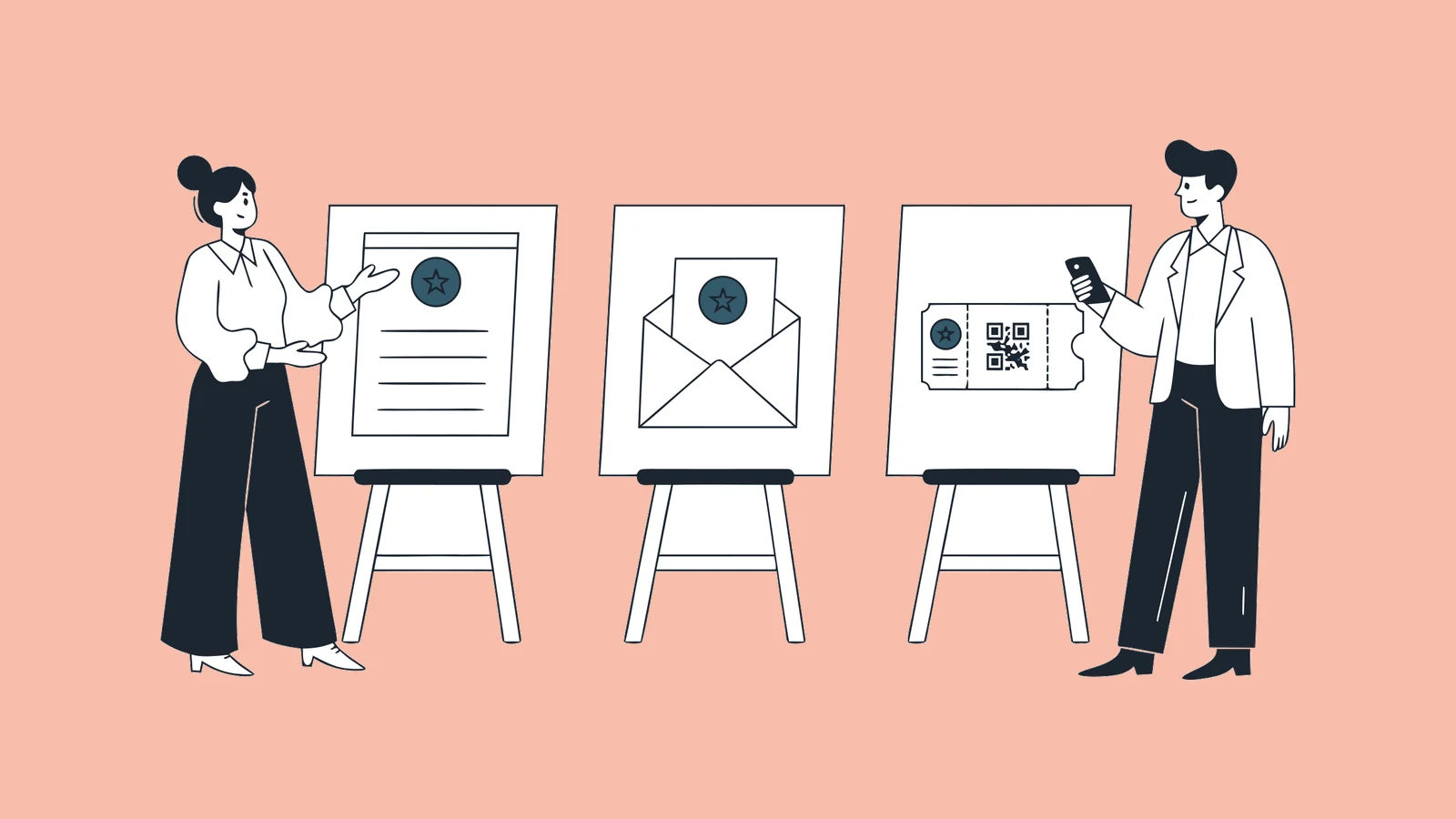
An agency's client is paying for an event that looks like theirs. Long before anyone walks into the room, every guest has opened three things with a brand on them: a registration page, a confirmation email and a ticket. If any of the three says another company's name louder than the client's, the agency hears about it.
So "is it white label?" is the wrong question to put to an event registration platform, because every vendor answers yes. The useful question is a list: for each thing a guest touches, whose name is on it. This page answers that list for AnnexHub, including the rows where the answer is ours.
The surfaces a guest touches, in order
- The web address in the invitation.
- The registration page.
- The confirmation email: the sender's name, the address it came from, and the footer.
- The ticket, usually a PDF with a QR code.
- Reminder and update emails.
- The door: the scanner in a staff member's hand, a self-service kiosk, a badge.
- Screens in the room: an arrivals board, a lucky draw.
- After the event: a feedback survey, a certificate.
Two more are touched only by your client's own team: the dashboard they sign in to, and the invoice.
A platform can carry the client's brand on some of these and its own on the rest. Ask for the list in writing before your proposal goes out. The surface nobody asked about is the one the client's marketing head will screenshot.
What carries your client's brand in AnnexHub
| Surface | What the guest sees | Whose name |
|---|---|---|
| Web address | annexhub.ai/e/your-event-name | Ours. Custom domains are not available. |
| Registration page | The event's name and details, and an organiser block with your client's name and website. On paid plans there is no AnnexHub line on the page, and the title in the browser tab and the link preview show the event's name alone. The small icon in the tab is ours. | Your client's |
| Emails | On paid plans, your client's logo and name at the top, the brand name as the sender, wording you edit for each event, and no AnnexHub line. Replies go to the organiser. Tickets, confirmations and reminders are sent from our address behind that name. Campaign emails and guest updates can go out from your own address through your own mail server. | Your client's. The address behind tickets and reminders is ours. |
| Ticket (PDF with QR) | On paid plans, your client's logo and name in the header, in the layout and colours you pick. No AnnexHub line and no watermark. | Your client's |
| Payment page and receipt, on paid tickets | Guests pay on a Stripe page, and the receipt names Annex Creative Solutions as the collecting agent. | Ours |
| WhatsApp messages | Messages sent by WhatsApp, the ticket among them, arrive from the Annex CS number. | Ours |
| Arrivals screen and lucky draw | A choice of themes and your own header image. No AnnexHub line on paid plans. | Your client's |
| Feedback survey | The event's name and your questions. No AnnexHub line on paid plans. | Your client's |
| Certificate | The brand name you set for the ticket. | Your client's |
| Self-service kiosk | Our check-in screen as standard. A kiosk in your client's branding is an add-on, quoted per event, or included when our crew runs the door. | Ours, unless you add it |
| Staff scanner | The AnnexHub staff app. Guests do not see it. | Ours |
| Organiser dashboard | AnnexHub. Your client's team signs in at annexhub.ai. | Ours |
Read down the last column. On a paid plan the page, the emails, the ticket, the screens in the room and the survey carry your client's name and logo, and no "Powered by AnnexHub" line. Our name is left in a few places: the web address, the small icon in the browser tab, the tab title of the page a guest lands on to confirm their registration, the address tickets and reminders are sent from, the payment page and receipt when tickets are paid, and WhatsApp messages. The free plan is different: AnnexHub's logo sits in the ticket header and a "Powered by AnnexHub" line on every page and email, so use it for a pitch or a test run, not for a client's guests.
One licence per event, one line on your client's invoice
Agencies bill by the job, and most event software bills by the month. AnnexHub is licensed per event, so the software cost of a client's event is one number you can pass straight through.
| Who builds the event | Licence | Guests per event | Team seats per event |
|---|---|---|---|
| Your team | From RM890 per event | Up to 500 | 3 |
| Our team, with yours | From RM2,500 per event | Up to 1,000 | 10 |
| Our team, with our crew at the door | Quoted per event | 5,000 and up | 25 and up |
A licence is bought for one event and can be used at any time in the following 12 months, which suits a client who confirms in March for a dinner in November. There is no monthly seat to cancel between jobs. If the event sells paid tickets, there is a booking fee of 5% plus RM1 per paid ticket, which the guest pays at checkout unless you choose to absorb it. Free tickets carry no fee. The full table is on the pricing page.
Keeping one client's event away from another's
There is one account, yours, and each event inside it has its own team list. That is the separation. It is worth understanding exactly, because it is not the same as a sub-account for each client.
- A person you add to an event reaches that event only. Add your client's marketing manager to their annual dinner and they will not see the other events in your account.
- Three roles. Owner is the account that created the event. Admin runs it alongside the owner. Admin (No Downloads) can follow registrations and arrivals but cannot export the guest list, and a few settings pages are view-only for them. Give the third role to anyone who should see the numbers without leaving with the data: a client's intern, or a freelancer on your own crew.
- Door staff do not need accounts. They open the staff app, type their name, pick a role and enter the event's six-character code. Nobody on a one-night crew gets a login to your account.
- What does not exist: a master agency account with a separate workspace, login and report for each client. If a procurement checklist asks for that by name, the answer here is no.
Repeat clients: copy last year's event
Most agency work repeats. The same client's annual dinner, the same roadshow in four cities. Duplicate an event and the copy carries its ticket types, its registration form questions and its ticket settings, with the dates moved to the new day. It does not carry last year's guests. The copy starts as a draft, and publishing it uses a new licence, the same as any other event.
Whose guest list it is
Your client will ask for the list afterwards, and they are right to. An owner or admin can export the attendee list as a spreadsheet, CSV or Excel, at any time. Decide before the event who holds the data once it is over, and write it into the agreement with your client. The questions their procurement team will ask are in Attendee Data: The Questions Corporate Procurement Will Ask, and what happens to event data that nobody made a decision about is in Who Owns Your Event Data?.
When AnnexHub is the wrong choice for an agency
- The brief says the vendor's name appears nowhere. Ours is still in the web address, in the address tickets and reminders are sent from, and on the payment page and receipt when tickets are paid. If "nowhere" is a term in your contract, we do not meet it.
- Your client wants registration on their own domain. An address such as
events.yourclient.comis not available. Every registration page lives underannexhub.ai/e/. - You need a workspace for each client. Separation is per event, as above. An agency that wants every client to have their own login, their own event list and their own reporting needs a platform built around sub-accounts.
- You need registrations to flow into your client's CRM. There is no API or webhook to connect. The route is a spreadsheet export.
- You run events every week for the same client. A licence per event stops being the cheapest model at that frequency. Ask us about an annual licence, and compare it honestly against a subscription platform.
If you want the door handled as well
AnnexHub comes from an events agency. Annex CS has run events for clients since 2015, and the software exists because we needed it at our own registration desks. Two of the plans above include our people. On Done-for-you we build the event in AnnexHub with you and support you on the day. On Managed our crew staffs the registration desk at the venue. They work there as Annex CS, in our own name, not under your agency's.
The short version
Ask any platform for the list of surfaces, not the adjective. On a paid AnnexHub plan your client's logo and name are on the page, the emails and the ticket, with no AnnexHub credit line, and each event has its own team, so a client only ever sees their own event. Our name stays in the web address and in the address tickets are sent from. The licence is bought per event, from RM890, and passes through as one line on your client's invoice. If the contract says the vendor must be invisible, or the client needs their own domain or their own workspace, choose a platform built for that.
Try it on a real event
The free tier covers one live event up to 50 guests.
Registration page, QR tickets and door check-in, including the offline scan queue. Enough to test the door properly before you commit to anything.