 AnnexHub
How to run registration and check-in for a 500-pax corporate event
Five hundred people do not arrive over an hour. They arrive over fifteen minutes, and your lane count is the only thing that decides whether that is a queue or a crowd.
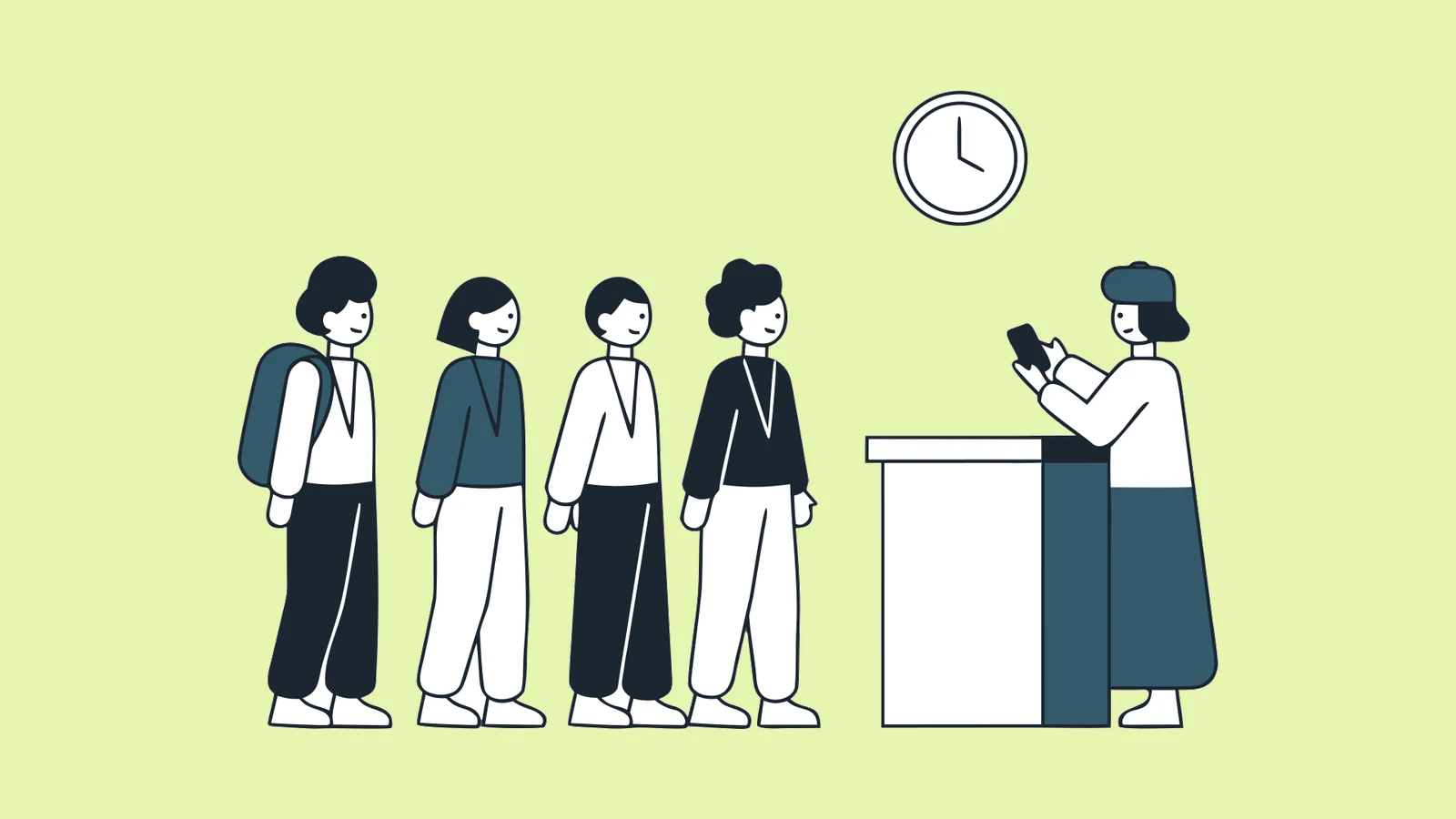
Five hundred people is the size where improvisation stops working. Below it, a well-organised person with a spreadsheet can hold the whole event in their head. Above it, the door has its own logistics and needs to be planned like a separate workstream.
This is a runbook. It assumes a typical Malaysian corporate event: a client-supplied guest list, free to attend, one venue, a 9am start with registration from 8am, and a programme that cannot slip because a Minister or a CEO is speaking at 9:15.
Work backwards from the arrival spike
The single most useful number is not 500. It is how many people arrive in the busiest fifteen minutes.
Corporate guests do not spread across the registration window. They leave the office together, they share transport, and they aim to be seated just before the start. Plan for the majority of your 500 arriving in a 15 to 20 minute band immediately before the programme begins.
The lane calculation. One check-in lane sustains roughly one guest every four seconds once it is warmed up - scan, confirm, hand over a badge, next. That is 15 guests a minute. Four seconds is the figure we plan against rather than one anybody has timed with a stopwatch, so treat it as a planning rate and watch your own door.
The full method, including how to substitute your own numbers, is set out in how many check-in lanes an event needs. Run against this event it comes out as:
- 500 attending, so 500 people through the door and not 500 on the registration list. Apply your no-show rate before you start; see below.
- 60% arrive in the busiest 15 minutes, which is 300 guests.
- A 5-minute worst-case queue, not the usual 10, because the programme starts at 9:15 with a Minister on stage and a late room is not recoverable.
- 300 divided by 15 a minute divided by 5 minutes = 4 lanes.
| Guests in the spike | 10-minute queue | 5-minute queue |
|---|---|---|
| 150 | 1 lane | 2 lanes |
| 300 | 2 lanes | 4 lanes |
| 450 | 3 lanes | 6 lanes |
| 600 | 4 lanes | 8 lanes |
So for 500 pax with a hard start, four scanning lanes plus one walk-in and exceptions desk is the configuration that holds. The walk-in desk is never counted as a lane. Three lanes will work and will feel tight. Two lanes is the honest answer for a soft rolling start and the wrong answer for this one - it produces a queue out of the lobby and a photograph your client will remember.
The reason to over-provision is that lanes are cheap in a way almost nothing else on an event is. A lane is a person with a phone.
The timeline
T-minus 4 weeks: build the registration
- Registration page live, branded as the client, with the fields the client will actually want in the final report. Adding a field later means chasing the people who already registered.
- Decide now whether the event needs approval before a ticket is issued. Restricted guest lists usually do. This is much harder to bolt on later.
- Decide the ticket types. Corporate events rarely need more than two or three (delegate, VIP, staff), and each one you add is another thing the door has to distinguish under pressure.
- If sessions or workshops have their own room capacity, set those limits now with a waitlist behind them.
T-minus 3 weeks: open registration
- Send the invitation with a short link, not a raw URL. Short links are trackable and survive being pasted into WhatsApp.
- Watch the first 48 hours of registrations closely. That is when you find out the form is confusing, a required field is wrong, or the confirmation email is landing in the client's corporate spam filter.
T-minus 1 week: the reconciliation
- Compare registrations against the client's invite list. Chase the gaps. This is the single highest-value hour of the whole build.
- Confirm VIP arrivals and whether any of them need to bypass the main door entirely. Most corporate events have three to ten people who cannot queue.
- Order badges if you are printing them.
T-minus 48 hours: freeze
- Close registration, or leave it open and accept that anyone registering after this point is operationally a walk-in.
- Send the final reminder with the QR ticket attached again. A meaningful share of guests will have lost the original email.
- Export the attendee list and give the client a copy. This is the number they will compare against on the day.
T-minus 1 day: the door rehearsal
Do not skip this.
- Every scanning device logged in, charged, and tested against a real ticket.
- Every device tested in airplane mode, then reconnected, and the scans confirmed to have synced. If the platform does not support offline scanning, this is where you find out, and it is one day too late.
- Every door person has scanned a ticket, scanned it a second time to see the duplicate message, and registered one walk-in.
- Someone other than you knows the login.
Event day
T-90 (6:30am for a 9am start). Tables in position, devices on, wifi tested from where the lanes will actually stand rather than from the AV desk. Signage up. Power available at every lane - phones at 100% at 7am are at 40% by 10am with the screen on and the camera running.
T-60. Lanes open. Early arrivals are your rehearsal with real guests.
T-30 to T-0. The spike. Nobody on the door does anything except process the door. The walk-in desk absorbs every exception so the scanning lanes never stall. This is the single most important operational rule of the day: an exception must never block a lane.
T+15. Read the live arrival count. If 400 of 500 have arrived, you are done and you can collapse to one lane. If 250 have arrived, hold the start if you can, and tell the client the number now rather than after.
T+60. Collapse to a single staffed desk for late arrivals. Free the rest of the crew.
The three exceptions, and where they go
Every guest who is not a clean scan is one of three cases. Decide in advance who handles each and it stops being a problem.
- Registered but cannot produce the QR code. Deleted the email, changed phone, corporate filter. Handled by name search in the same app, which finds them and checks them in without leaving the flow. Fast enough to stay in a scanning lane.
- Not registered at all. Handled at the walk-in desk: register on the spot and check in, so they land in the same attendee list and the headcount stays correct.
- Registered but should not be admitted, or is a VIP who needs escorting. Handled by a named person, not by door staff. Agree who that is beforehand.
What to give the client afterwards
The event does not end at the door. Within 48 hours the client should have:
- Final headcount, and the registered-versus-attended gap. The no-show rate for a free corporate event is real and the client needs it for next time.
- Arrival curve. It settles the annual argument about when to start.
- Session or workshop attendance, if you tracked it.
- The attendee export, in the format their CRM takes.
All of this exists automatically if every path through the door wrote to the same record. None of it exists if half your check-ins happened in a notebook. That is the whole reason to plan the door properly.
About no-shows
Every free-to-attend corporate event has a no-show rate, and it is always larger than the client expects. People register because registering is free, and then a meeting runs over.
Published benchmarks disagree with each other more than most people realise, which is itself the useful finding. Treat any of them as a starting point, not as a forecast:
| Format | Commonly cited no-show rate |
|---|---|
| Free in-person events | 25% to 40% |
| Free virtual events and webinars | 35% to 50% |
| Paid events | 10% to 20% |
Event-industry data tends to cluster around a median near 28% for free events, while practitioner surveys quote 30% to 40%, and some put free in-person events as high as 60% depending on the market and the format. A spread that wide is a warning: none of these numbers were measured on your audience.
Which is why the number worth having is your own. Two events with the same registration page and the same audience will predict each other far better than any published average predicts either. Record registered-versus-attended every time, and after your second event you can stop borrowing figures altogether.
The mechanism behind those numbers is worth understanding, because it is the only part you can actually act on.
Free registration carries no sunk cost. Nothing was spent, so when a meeting overruns on the morning of the event there is nothing to weigh against skipping it. The decision costs the guest zero.
Free virtual events lose people for a different reason: a large share of registrations are for the recording, not the session. Those people were never going to attend live and counting them as no-shows misreads what happened.
Paid events collapse to 10-20% because a fee forces a decision. This is the lever, and it is a bigger one than any reminder sequence. Even a nominal or fully refundable deposit moves the number, because the commitment is psychological rather than financial. If you need a dependable headcount for catering, a refundable deposit will do more for you than three more reminder emails.
Those are other people's events, though. The number that actually matters is yours, and it moves with the invite list, the day of the week, the venue, whether attendance is expected by someone senior, and how many reminders went out. Your own second event is a better predictor than any industry average.
So build your own baseline:
- Record registered and attended for every event. Both numbers, every time. This is the entire method, and it costs nothing if your check-in writes to one record.
- After two events you have a usable planning figure. After five you have a good one, and you can break it down by event type.
- Plan catering and seating against attended, not registered - the two are different budgets, and the gap between them is exactly what your baseline is for.
- Give the client the gap in the post-event report. It is one of the few numbers that makes next year's event better rather than just documenting this one.
The first time you do this it feels like admitting a problem. It is the opposite: an organiser who can tell a client "expect around X to actually turn up" is the one who does not over-order the food.
The short version
Four lanes plus a walk-in desk. Rehearse in airplane mode the day before. Never let an exception block a lane. Read the live count at T+15 and tell the client the number before they ask.
Try it on a real event
The free tier covers one live event up to 50 guests.
Registration page, QR tickets and door check-in, including the offline scan queue. Enough to test the door properly before you commit to anything.